Buying diagnostic hardware is one of the highest-impact equipment decisions for a vehicle inspection or repair facility. Modern cars contain dozens of electronic control units connected through protocols such as CAN-FD and DoIP, so a tool that only reads engine codes is no longer enough for many professional workflows.
The best professional OBD2 scanner is the one that matches your vehicle mix, inspection depth, technician skill and update budget. This guide separates flagship diagnostic workstations from high-value bay tools and rapid check-in scanners.
How to choose a professional automotive scanner
- Vehicle and module coverage: verify actual models, years and functions—not only a brand logo on a compatibility list.
- Modern protocols: CAN-FD and DoIP matter increasingly; J2534 passthrough matters when a repair bay performs supported programming.
- Inspection speed: Auto-VIN, topology maps and batch health reports can shorten intake and post-repair verification.
- Active tests: bi-directional control lets a technician command supported components rather than only observe data.
- Evidence: look for exportable pre-scan/post-scan PDFs, live-data capture and easy attachment to the customer record.
- Total cost: compare hardware, adapters, coverage add-ons, annual updates and what remains available after a subscription expires.
Tier 1: flagship diagnostic workstations
These platforms suit high-volume facilities, complex electrical work, module setup and advanced vehicle systems.
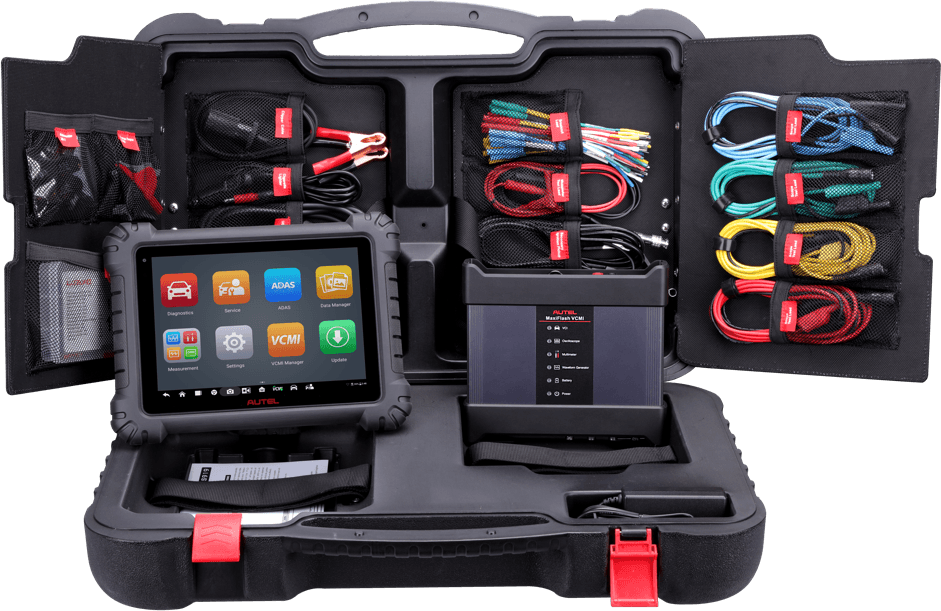
1. Autel MaxiSys Ultra / MS909 series
Best fit: independent multi-brand shops and inspection centers handling a broad mix of European, Asian and domestic vehicles.
- Selected packages include a VCMI or VCI with oscilloscope, multimeter and bus-test capabilities.
- Supports modern protocols and, by model, J2534 passthrough.
- Topology views help technicians locate module communication faults.
- Supported online coding and programming functions vary by vehicle and region.
2. Snap-on ZEUS+ / TRITON-D series
Best fit: repair-focused facilities that value guided component tests, scope integration and extensive domestic-vehicle workflows.
- SureTrack and intelligent diagnostic features connect codes with test paths and repair information.
- Integrated scope workflows help with sensors, ignition and wiring diagnosis.
- The premium tool and software cost needs to be considered across several years.
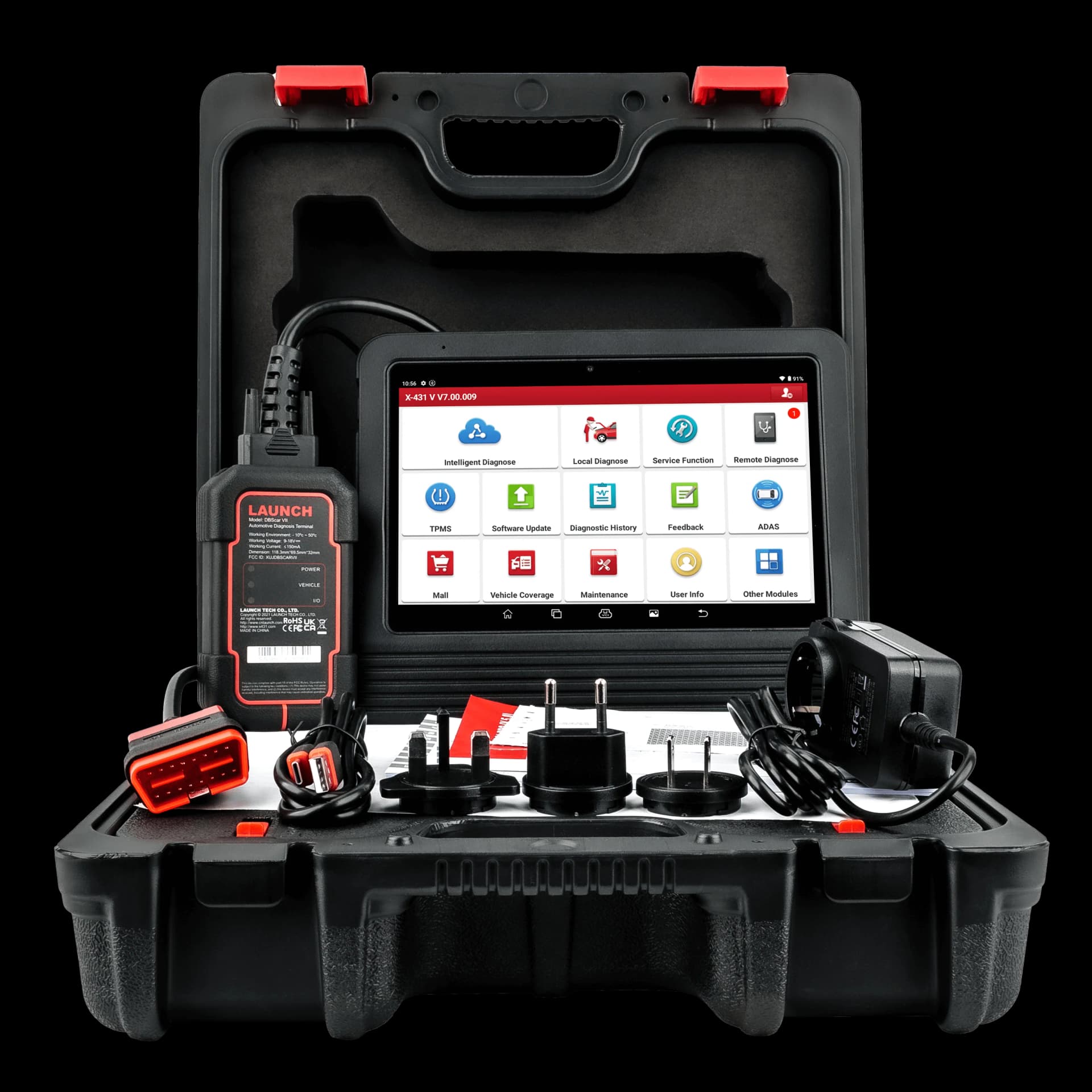
3. Launch X-431 PAD / PRO series
Best fit: multi-brand centers with strong European coverage needs and shops that may expand into ADAS or remote diagnostics.
- SmartLink interfaces support modern protocols and passthrough workflows on applicable models.
- Broad service functions and active tests across supported vehicles.
- Works within Launch’s larger ADAS and workshop-equipment ecosystem.
4. Topdon Phoenix Max / Smart
Best fit: growing shops seeking large-screen topology, guided functions and optional heavy-duty or EV expansion at a competitive hardware tier.
- Large display supports multi-graph data and network maps.
- Broad service and bi-directional functions on supported vehicles.
- Expansion options vary by package and subscription.
Tier 2: high-ROI workshop scanners
Mid-tier tools can provide full-system scanning and active tests without the cost or complexity of a flagship workstation. They work well in secondary bays, general service and startup inspection centers.
5. Foxwell GT / NT series
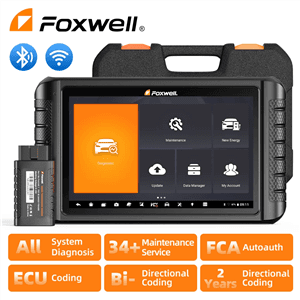
Selected Foxwell models combine full-system diagnostics, bi-directional controls and TPMS functions. They can be a practical entry into professional diagnostics, but model-specific protocol and function coverage should be checked closely.
6. Bosch ADS series and professional scan tools
Bosch tools emphasize workshop durability, vehicle-system scans, live-data graphing, emissions data and integration with repair information. Compare the compact and tablet product lines carefully because their capabilities differ substantially.
7. Innova 5610
This compact handheld supports live data, selected bi-directional tests, battery and charging checks, and ABS/SRS access on supported vehicles. Physical hotkeys make it useful for quick I/M readiness and code workflows.
Tier 3: rapid intake and emissions tools
These scanners prioritize portability and speed. They are useful at the write-up desk or for preliminary checks, but should not be mistaken for full workshop coverage.
8. Topdon Phoenix Nano / ArtiDiag series
Compact Android tools offer Auto-VIN, commonly used service functions and exportable scan reports. They suit service advisors and mobile inspection work where fast startup matters.
9. BlueDriver Pro
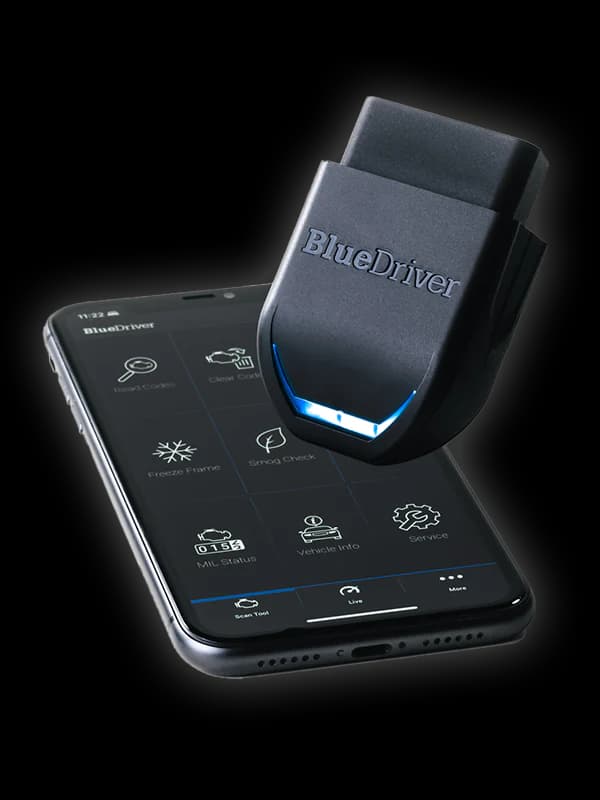
A phone-based Bluetooth scanner for portable intake checks, I/M readiness and live-data logging. It is convenient for mobile inspectors, though it does not replace a full bi-directional workshop tablet.
10. Ancel BD310 / FX2000
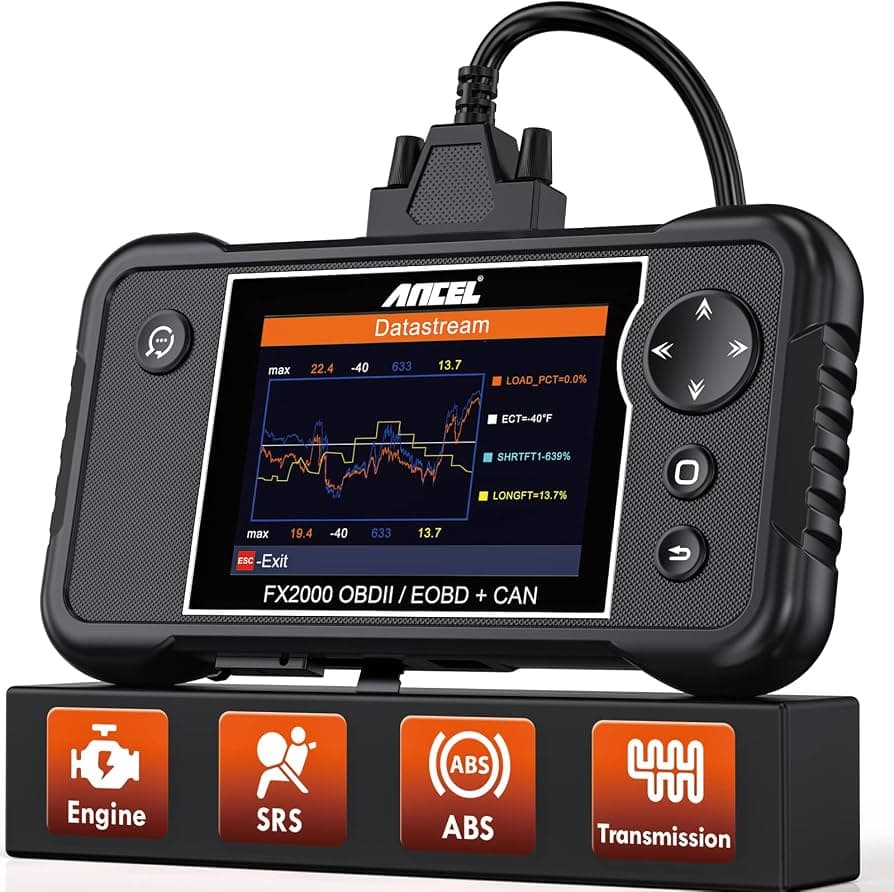
These compact tools target quick wired or Bluetooth code reading. Depending on the model, coverage can include engine, transmission, ABS and SRS modules, making them useful for focused preliminary checks.
Professional scan tool comparison
| Scanner family | Tier | Strongest fit | Key capability |
|---|---|---|---|
| Autel MaxiSys Ultra / MS909 | Flagship | Multi-brand repair and inspection | Topology, active tests, advanced interface options |
| Snap-on ZEUS / TRITON | Flagship | Guided diagnostics and scope work | Repair intelligence and component tests |
| Launch X-431 PAD / PRO | Flagship | European and broad multi-brand workflows | Modern protocols and ecosystem expansion |
| Topdon Phoenix | Flagship | Modern UI and value-focused expansion | Topology and broad active tests |
| Foxwell GT / NT | Mid-tier | General service and TPMS | Accessible full-system diagnostics |
| Bosch ADS | Mid-tier | Structured workshop workflows | Diagnostics plus repair information |
| Innova 5610 | Mid-tier | Portable bay diagnostics | Handheld live data and selected active tests |
| BlueDriver | Rapid scan | Mobile intake and emissions readiness | Phone-based reports and live data |
The five-year cost question
Purchase price is only the first line in a scanner budget. Model the total cost of ownership using annual software, brand-specific packages, adapters, batteries, accidental-damage cover and likely hardware replacement. Also confirm which vehicle coverage, reports and cloud services remain available if updates lapse.
For a primary diagnostic bay, modern protocol coverage and a clear update policy usually matter more than the lowest initial price. For intake staff, a fast lightweight scanner can create a useful preliminary health report while keeping the flagship tool available for advanced work.
Recommended inspection-center setup
- Primary bay: a current multi-brand tablet with CAN-FD, DoIP, full-system scanning and strong local-market coverage.
- Electrical diagnosis: integrated or dedicated scope and meter tools with technician training.
- Service desk: a rapid Auto-VIN scanner that produces clear, exportable pre-scan reports.
- Evidence workflow: attach original scanner exports to the vehicle record and distinguish device data from technician conclusions.
- Annual review: reassess coverage gaps, subscription use and the vehicle models actually entering the facility.
Frequently asked questions
Questions technicians and buyers ask.
What is the best professional OBD2 scanner for an auto shop?
There is no single best scanner for every shop. Autel, Launch and Topdon are strong multi-brand choices; Snap-on emphasizes guided diagnostics and domestic coverage; Bosch suits structured workshop workflows. The right choice depends on vehicle mix, coding needs, protocol support and update cost.
What features should an inspection center look for in a scan tool?
Prioritize fast Auto-VIN, full-system scanning, CAN-FD and DoIP support, clear pre-scan and post-scan reports, live data, topology mapping where useful, and a transparent software renewal policy. Bi-directional tests and J2534 programming matter for repair-focused bays.
What is the difference between a code reader and a professional diagnostic scanner?
A basic code reader usually covers emissions-related powertrain codes. A professional scanner can communicate with many vehicle modules, graph live data, run active tests, reset service functions and, on supported vehicles, perform coding or programming.
Do professional OBD2 scanners stop working when updates expire?
Policies vary by manufacturer and product. Some tools retain the installed vehicle coverage but lose new updates or cloud features, while other subscriptions affect more functionality. Confirm the current policy in writing before purchase.